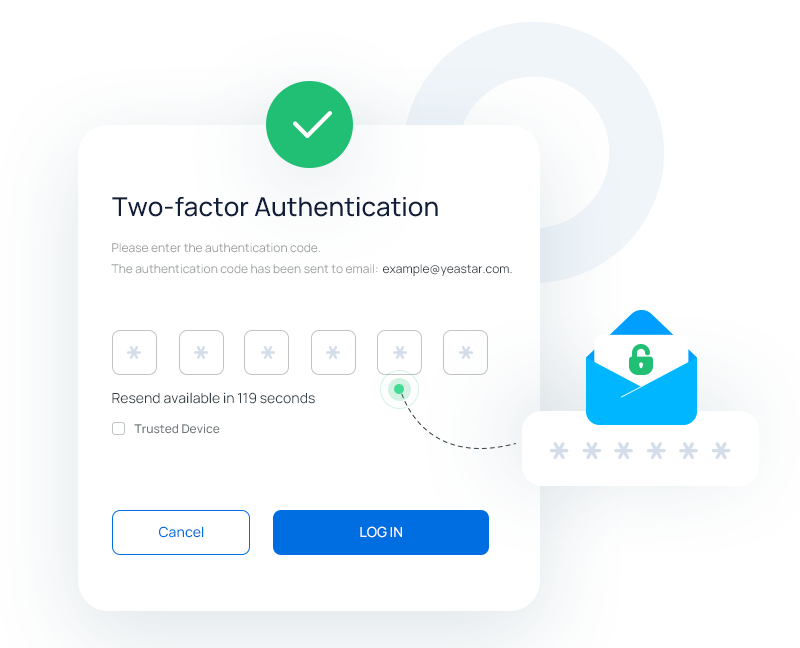
 Using Outlook to Receive Authentication Codes? Here’s Why You Need a Backup Plan.
Yesterday’s Microsoft 365 service disruption raises an important question about multi-factor authentication (MFA): Should email be your only method for receiving authentication codes?
Multi-factor authentication is an essential layer of cybersecurity, but relying solely on email to receive one-time authentication codes can create an unexpected challenge when email services go down.
If your Outlook email is unavailable, you may find yourself locked out of more than just your inbox. Any accounts that rely on email-delivered verification codes could also become inaccessible, potentially disrupting business operations and productivity.
What You Should Do
The good news? A little preparation can prevent a major headache. We recommend setting up at least one backup authentication method for your important accounts. Options may include:
- Authenticator App: Use an app such as Microsoft Authenticator or Google Authenticator to generate verification codes without relying on email delivery.
- Alternative Email Address: Register a secondary email account with a different provider, where supported.
- SMS Verification: Add a mobile phone number to receive authentication codes via text message when more secure options aren’t available.
- Backup Recovery Codes: Securely store recovery codes provided by services so you can regain access if your primary authentication method becomes unavailable.
Whenever possible, prioritize authenticator apps, passkeys, or security keys over email or SMS authentication for stronger protection. Have questions or need assistance with set up? Reach out to a member of the BMT Security Team.